
What to Look for in a Classroom Audio System for K–12 Schools
Posted on
Classroom Audio
Posted at
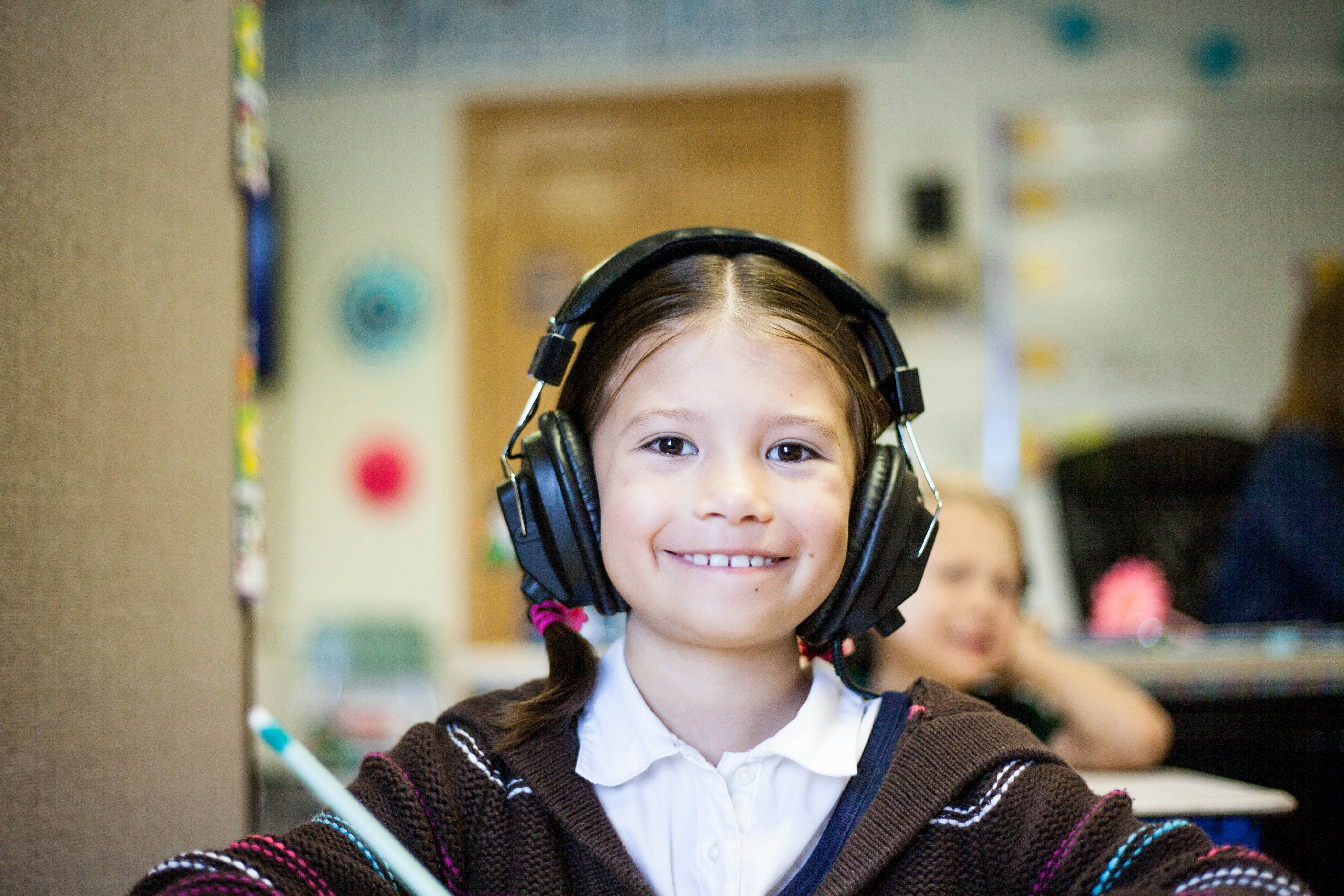
What to Look for in a Classroom Audio System for K–12 Schools
Good classroom audio should make it easier for students to hear and easier for teachers to teach.
Classrooms are rarely quiet environments. HVAC systems, student conversations, hallway noise, room acoustics, and distance from the teacher can all affect how clearly students hear instruction.
A classroom audio system can help distribute the teacher’s voice and instructional media more evenly throughout the room. But choosing the right system involves more than comparing speaker output or microphone specifications.
Schools should consider how the system will sound, how easily teachers can use it, how it fits with existing classroom technology, and how it will be supported over time.
1. Start With Speech Clarity
The primary job of a classroom audio system is not simply to make the teacher louder.
It is to make speech easier to understand throughout the room.
Students should be able to hear clearly whether they are sitting near the teacher, along a side wall, or toward the back of the classroom.
When evaluating systems, listen for:
Clear speech
Consistent volume
Minimal distortion
Limited feedback
Good performance with background noise
Even coverage throughout the room
Sound quality depends on clarity and consistency, not simply loudness.
2. Consider the Entire Classroom
Every room behaves differently.
Room size, ceiling height, wall materials, flooring, furniture, HVAC noise, and classroom layout can all affect sound.
A system that performs well in a small elementary classroom may not be the right configuration for a science lab, library, multipurpose room, or larger instructional space.
Before selecting equipment, consider:
Room dimensions
Seating layout
Background noise
Existing speakers
Ceiling and wall conditions
Teacher movement throughout the room
Areas where students may have difficulty hearing
The goal should be consistent coverage, not simply adding more volume.
3. Make the Teacher Microphone Easy to Use
Teachers should not have to think about the audio system throughout the school day.
A microphone should be comfortable, easy to turn on, easy to mute, and simple to charge or store.
Consider:
Microphone weight and comfort
Battery life
Charging method
Mute controls
Replacement availability
Whether multiple microphones can be used
Whether students may use microphones for presentations or discussion
If teachers regularly avoid using the microphone because it is inconvenient, even a technically impressive system will provide limited value.
4. Think About More Than the Teacher’s Voice
Modern classroom audio also supports digital content.
Interactive displays, laptops, instructional videos, document cameras, conferencing applications, and other classroom devices may all need to play through the room.
Schools should understand how these sources connect to the audio system and whether teachers can move between them easily.
Questions to ask include:
Can the interactive display feed audio through the system?
Can laptops or other devices connect easily?
Is wireless audio supported?
Can teacher voice and media audio operate together?
Will teachers need to change inputs manually?
Can volume be controlled from a familiar location?
The best setup usually removes steps from the teacher’s workflow.
5. Evaluate Coverage, Not Just Speaker Count
More speakers do not automatically mean better sound.
Different rooms may benefit from ceiling speakers, wall-mounted speakers, line-array systems, or simpler all-in-one designs.
What matters is whether the selected configuration delivers clear, consistent sound to the listening area.
Installed systems may make sense for standardized classrooms, while portable or lower-installation options can provide flexibility in spaces that change frequently. The right approach depends on the room, infrastructure, and intended use.
6. Consider Accessibility
Classroom audio can also play an important role in making instruction more accessible.
Students may have different hearing, language, attention, or auditory-processing needs.
When appropriate, schools should evaluate whether the audio system can work with:
Assistive listening devices
Hearing aids or receivers
Classroom microphones
Recorded or streamed instruction
Other accessibility technologies
Clear, consistent speech benefits the entire classroom while also supporting students who may require additional listening assistance.
7. Think About Paging and School Communication
Classroom audio does not always operate independently from the rest of the campus.
Some schools may want classroom systems to integrate with paging, intercom, bells, announcements, or emergency communication systems.
That can allow classroom audio to automatically lower or pause when an announcement is made and may create a more coordinated communication environment.
For more integrated environments, schools should also consider paging, alerting, display integration, and centralized communications.
Not every classroom requires this level of integration, but schools should decide whether it matters before selecting equipment.
8. Plan for Management and Support
For a few classrooms, audio systems may be simple to manage individually.
Across dozens or hundreds of rooms, that changes.
Technology teams should understand:
How systems are configured
Whether settings can be standardized
How firmware or software is updated
Whether devices can be monitored remotely
How replacement equipment is handled
Who provides technical support
What warranty coverage is included
A system that saves a few minutes of support in one classroom can save significant time across an entire district.
9. Consider Future Expansion
Classroom needs change.
A school may eventually want additional microphones, more speakers, display integration, campus communication features, or expanded use in larger spaces.
Before purchasing, ask whether the system can grow without requiring a complete replacement.
Include scalability and future expansion in the evaluation from the start.
10. Test the Everyday Experience
A product demonstration should look like an actual school day.
Ask a teacher to:
Put on the microphone
Begin a lesson
Walk around the room
Play a video
Adjust the volume
Mute the microphone
Connect another device
Switch between voice and media
Put the system away or charge it
This often reveals usability differences that are difficult to see on a specification sheet.
The Right Classroom Audio Should Fade Into the Background
The best classroom technology often becomes almost invisible.
Teachers can speak naturally. Students can hear clearly. Videos and instructional media sound consistent. Teachers do not have to adjust settings or troubleshoot connections repeatedly.
That is the standard schools should use when evaluating classroom audio.
Mission Classroom Solutions helps California K–12 schools evaluate, procure, implement, and support classroom audio systems based on room conditions, instructional needs, existing technology, and long-term support requirements.
The first step does not have to be choosing a manufacturer.
It can simply be understanding how the classroom needs to sound.

